

Screen Studio
Professional screen recorder for macOS with automatic zoom and smooth mouse movement.
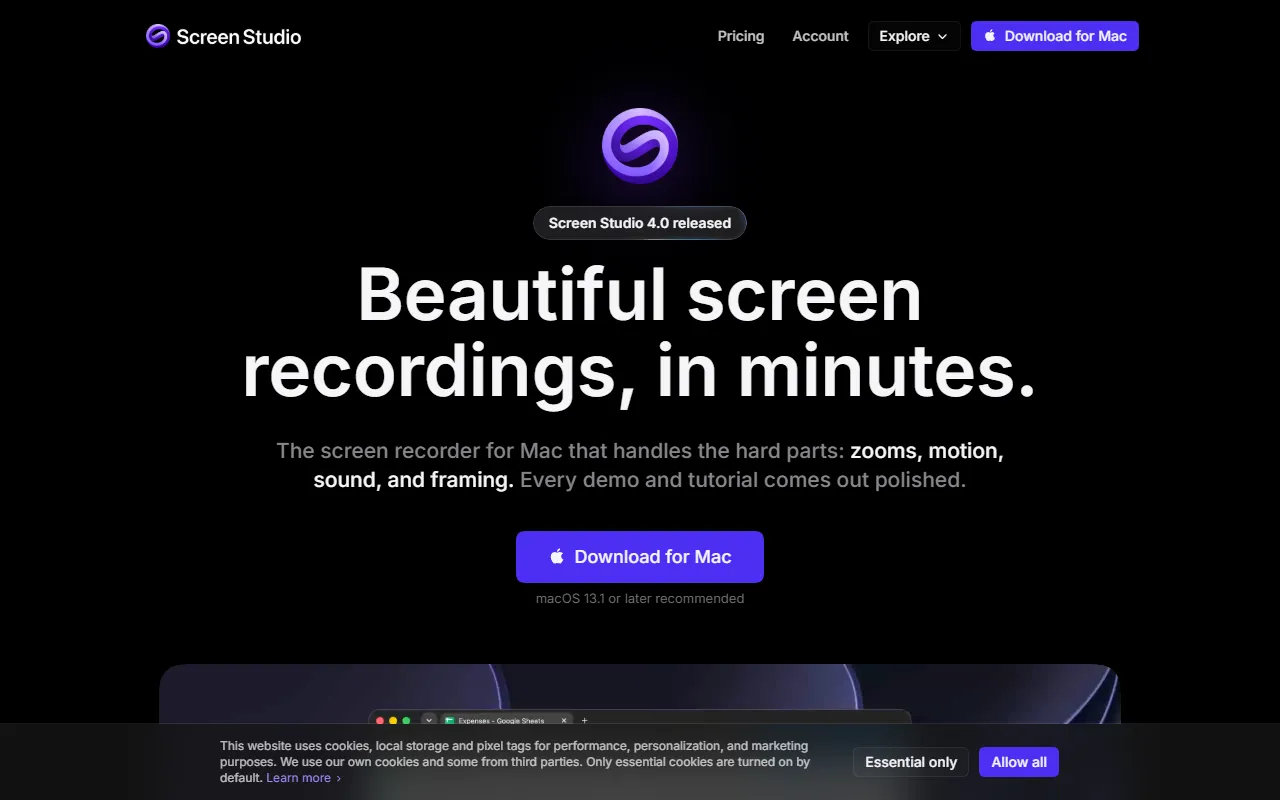
What is Screen Studio?
Screen Studio is a Screen Recording tool. Professional screen recorder for macOS with automatic zoom and smooth mouse movement. It is available on macOS. It is aimed at educators, content creators and product managers.
Screen Studio is a professional screen recorder for macOS designed to create engaging product demos, courses, tutorials, and social media videos. It offers features like automatic zoom on mouse actions, smooth cursor movement, and cinematic motion blur for animations.
Built for educators, content creators and product managers.
Key capabilities
Features
Automatic Zoom
Automatically zooms in on mouse actions for engaging recordings.
Smooth Cursor Movement
Shareable Links
Camera Layouts
Masking Sensitive Data
Easy Editing
GIF Export
Vertical Mode Export
Screen and Webcam Recording
Records screen, webcam, and system audio from apps.
Transcript Generation
iPhone/iPad Recording
Records iPhone and iPad via USB with device frames.
Use cases
- Create engaging product demos for presentations
- Produce tutorial videos with automatic zoom and smooth cursor movement
- Generate social media videos with cinematic effects
- Record and share video tutorials with shareable links
- Export high-quality 4K videos for professional use
- Create vertical mode videos for platforms like TikTok and Instagram
Popular use cases
Who it's for
Pros & cons
Pros
- Public API available
Cons
No documented limitations yet.
Developer & API
Public API available
Security & compliance
- GDPR
- Data deletion
As stated on Screen Studio's website — not independently verified by AiByts.
FAQ
What is Screen Studio?
Screen Studio is a Screen Recording tool. Professional screen recorder for macOS with automatic zoom and smooth mouse movement. Screen Studio is a professional screen recorder for macOS designed to create engaging product demos, courses, tutorials, and social media videos. It offers features like automatic zoom on mouse actions, smooth cursor movement, and cinematic motion blur for animations.
Does Screen Studio have an API?
Yes, Screen Studio offers a public API for building custom integrations.
What platforms does Screen Studio support?
Screen Studio is available on macOS.
Who should use Screen Studio?
Screen Studio is built for educators, content creators and product managers. Common uses: create engaging product demos for presentations, produce tutorial videos with automatic zoom and smooth cursor movement, generate social media videos with cinematic effects and record and share video tutorials with shareable links.
What are the best alternatives to Screen Studio?
Similar tools on AiByts include Pane Studio (Beta), Annotate, Supercut, FocuSee and Dina.
Details are compiled from Screen Studio's website and public sources, last verified Oct 5, 2026. Features and pricing change — confirm on the official site before you buy.
Try Screen Studio
Visit the official website
Tags
- Product Demos
- Tutorial Videos
- Social Media Videos
- 4K Export
- Vertical Mode
- Transcripts
- iPhone Recording
Comments
Sign in to join the discussion.