

Trae
Integrates into workflows to enhance performance and efficiency
- Freemium· from $60/month
What is Trae?
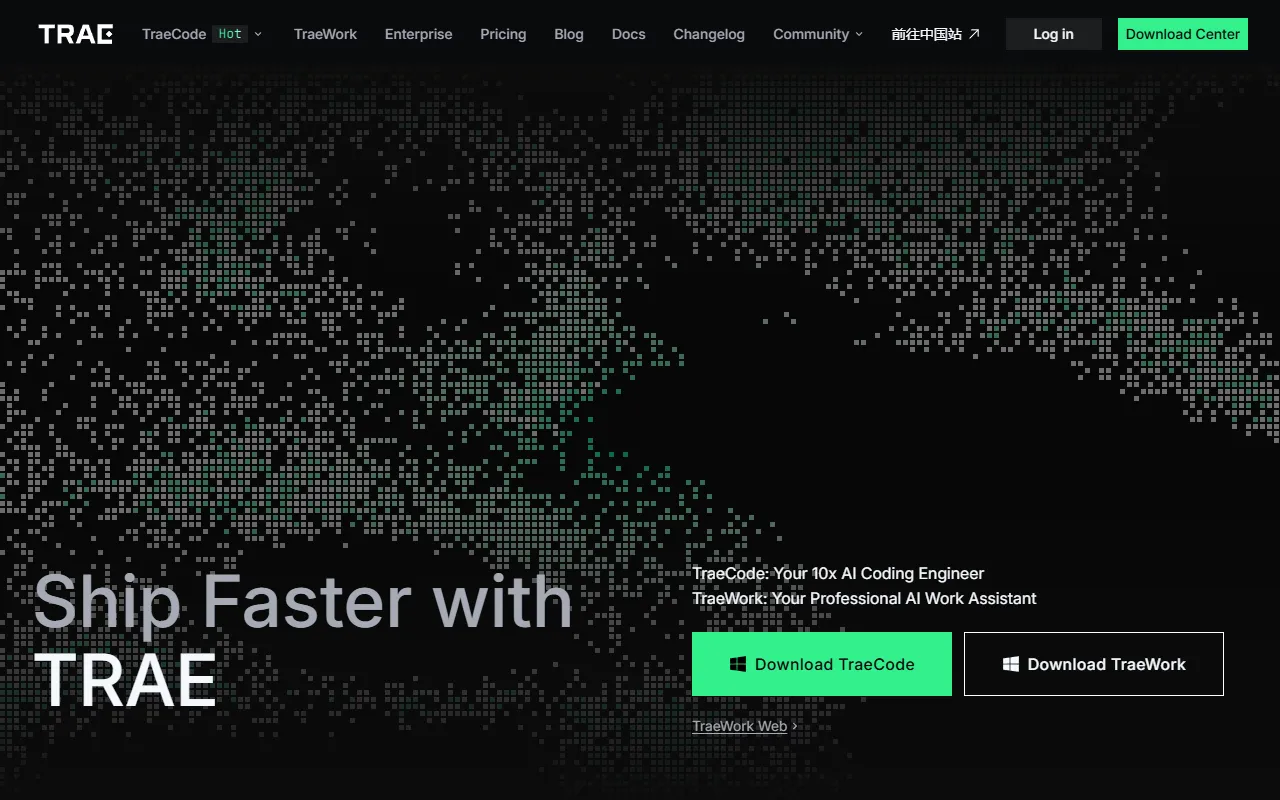
Trae is an AI Coding Assistant tool that integrates into workflows to enhance performance and efficiency. Trae is freemium: it has a free plan, and paid plans start at $60/month. It is aimed at developers and software engineers.
TraeCode integrates seamlessly into your workflow, collaborating with you to maximize performance and efficiency. It offers features like AI Q&A, code auto-completion, and agent-based AI programming capabilities.
Built for developers and software engineers.
Features
AI Q&A
Provides answers to coding questions using AI
Code Auto-Completion
Agent-Based AI Programming
Uses agents for AI-driven programming tasks
Use cases
- Enhance coding workflows with AI assistance
- Improve code quality through AI Q&A
- Streamline development with agent-based programming
Who it's for
Pros & cons
Pros
- Free plan available
- Paid plans from USD 60/month
Cons
No documented limitations yet.
Pricing
Freemium — paid plans start at $60/month.
| Plan | Price |
|---|---|
| Free | Free |
| Pro+ | $60 / month |
| Ultra | $200 / month |
Security & compliance
- SOC 2
As stated on Trae's website — not independently verified by AiByts.
FAQ
What is Trae?
Trae is an AI Coding Assistant tool that integrates into workflows to enhance performance and efficiency. TraeCode integrates seamlessly into your workflow, collaborating with you to maximize performance and efficiency. It offers features like AI Q&A, code auto-completion, and agent-based AI programming capabilities.
Is Trae free?
Trae has a free plan; advanced features require a paid plan.
How much does Trae cost?
Trae offers 3 plans: Free (Free), Pro+ ($60 / month) and Ultra ($200 / month).
Who should use Trae?
Trae is built for developers and software engineers. Common uses: enhance coding workflows with AI assistance, improve code quality through AI Q&A and streamline development with agent-based programming.
What are the best alternatives to Trae?
Similar tools on AiByts include Codeium, GitHub Copilot, Relay, Bullet and Cursor.
Trae news & updates
TRAE Work × BytePlus Pages: Describe It, Deploy It, Share It
Describe what you want in plain language. TRAE Work builds the page. BytePlus Pages puts it live. No coding, no server setup, just a shareable link.
Trae Blog7 min readIntroducing Design Mode in TRAE Work
Today, TRAE Work introduces Design Mode: a new way to create, iterate, and deliver your design work.
Trae Blog4 min readIntroducing TRAE Work
It's not just a new name. It reflects what TRAE has become: an AI workspace built for every professional, not just engineers. Two products, one mission, and a clearer home for everyone who works with AI.
Trae Blog3 min read
Introducing TRAE SOLO Mobile
Task does not wait for the moment you sit down at your desk. An idea hits while you're on the move. A task needs to be dispatched before the next meeting. A deliverable needs a quick review.
Trae Blog8 min read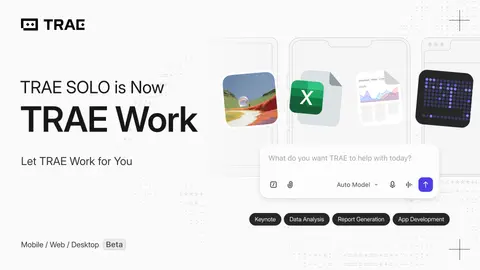
Introducing The New SOLO
SOLO is now in free beta early access. An invite code is required to activate SOLO Desktop and Web.
Trae Blog9 min readUpgrading TRAE Membership Benefits
TRAE launches new token-based pricing with four membership tiers from $3 to $100 monthly, starting February 24, 2026. A 14-day free Pro trial for new users is also available after this transition.
Trae Blog4 min readShip AI Software Faster with Vercel
How to build and deploy AI software in a fast way with TRAE and Vercel
Trae Blog3 min readBest Practices for Agent Skills in TRAE
We've put together a guide on how to create, import, and use Agent Skills in TRAE.
Trae Blog5 min read
Build Backend Seamlessly with Supabase
How to build and deploy AI software in a fast way with TRAE and Vercel
Trae Blog4 min readMaking AI Coding Safer: How TRAE Protects Your Codebase
We're introducing sandboxing and a multi-layer security system designed to reduce security risk while keeping AI productive.
Trae Blog4 min read
Introducing Cue-Pro: a bird's-eye view of your edit predictions
We upgraded Cue with repository-level edit sequences that keep you in flow
Trae Blog2 min read
Cue-Pro Technical Deep Dive
We've put together a guide on how to create, import, and use Agent Skills in TRAE.
Trae Blog8 min read
TRAE 2025 Unwrapped
This is your year in review. Let's look back at what we created together.
Trae Blog5 min readQuickstart to SOLO Coder in TRAE IDE
This guide will get you started with using a coding agent like SOLO coder in just a few minutes., We'll show you how to use SOLO Coder for some common development tasks.
Trae Blog5 min read
TRAE SOLO GA Release
TRAE SOLO is the responsive coding agent we built for real-world software development.
Trae Blog6 min readScaling Velocity: How Keywords AI Accelerates Development with TRAE SOLO
How a lean team builds production features end-to-end with an AI engineer that “understands, executes, and delivers.”
Trae Blog4 min readMax Mode in TRAE
We are introducing Max Mode, which is designed for deep coding with larger context windows and more tool calls.
Trae Blog2 min readBest Practices for TRAE Rules
Stop repeating yourself. In this article we dive into how to set up TRAE Rules that remember your preferences, keep your team aligned, and avoid the common mistakes that make AI ignore your instructions.
Trae Blog8 min read
Details are compiled from Trae's website and public sources, last verified Oct 3, 2026. Features and pricing change — confirm on the official site before you buy.
Try Trae
Freemium · from $60/month
Comments
Sign in to join the discussion.