

Zella
On-device screen recorder and AI video editor for Mac and iPhone.
- Freemium· from $9.99/month
- API Available
What is Zella?
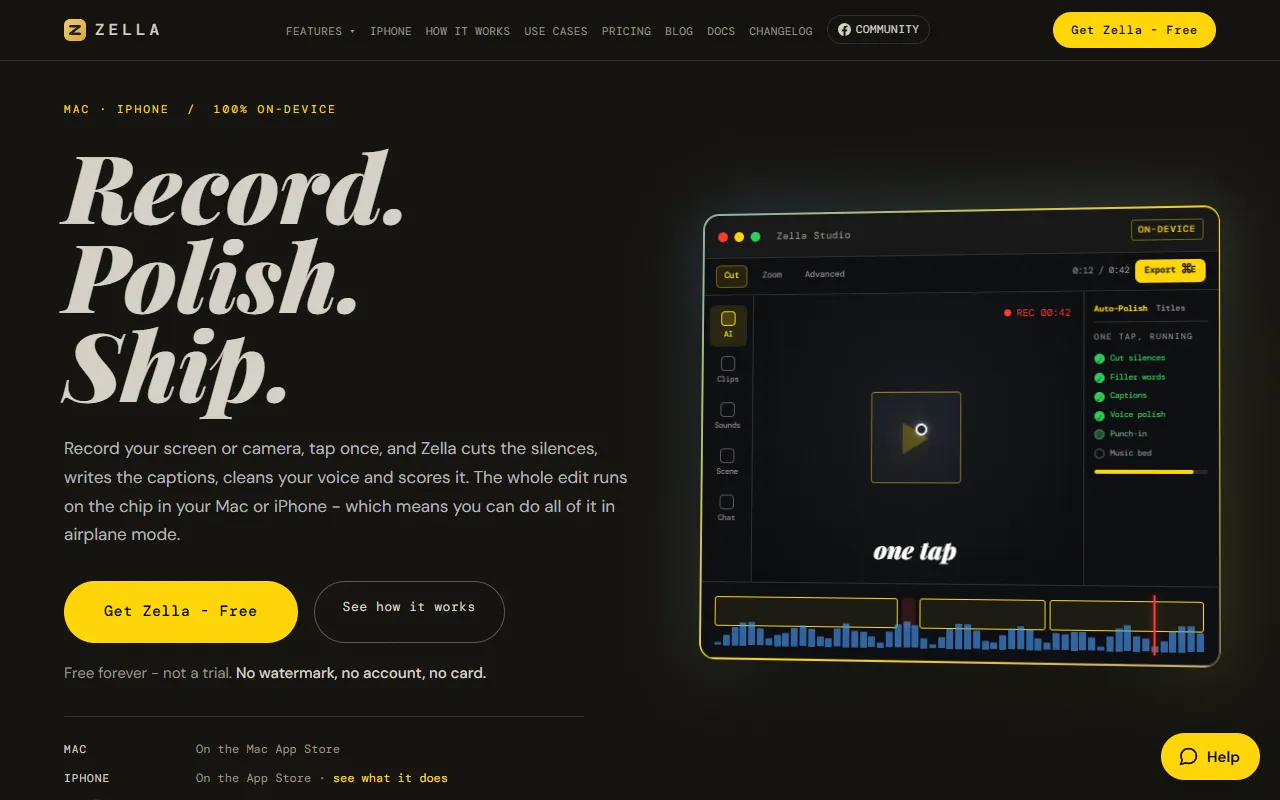
Zella is a Video Editing tool. On-device screen recorder and AI video editor for Mac and iPhone. Zella is freemium: it has a free plan, and paid plans start at $9.99/month. It is available on macOS, iOS and App Store (iOS). It is aimed at content creators, educators and students.
Zella is an on-device screen recorder and AI video editor for Mac and iPhone. It allows users to record, automatically polish, and export videos with AI-driven editing features.
Built for content creators, educators, students and marketers.
Key capabilities
Features
Record
Tap Auto-Polish
Export
Cuts the silences
Cuts the filler words
Sets a cut cadence
Varies the transitions
Sounds the cuts
Captions it
Cleans the voice
Builds the opening
Adds emphasis zooms
Use cases
- Record and export videos directly from a Mac or iPhone
- Automatically polish videos by cutting silences and filler words
- Add captions and clean voice to improve video accessibility
- Create engaging video openings with AI-driven editing
- Apply emphasis zooms to highlight important parts of the video
- Use AI to vary transitions between video clips
Popular use cases
Pros & cons
Pros
- Free plan available
- Public API available
- No watermark
- No cloud storage required
Cons
- Paid plans required for advanced features
- Limited to Mac and iPhone
Pricing
Freemium — paid plans start at $9.99/month.
| Plan | Price |
|---|---|
| Pro | $89 |
| Free | Free |
| Standard | $9.99 / month |
| Business | $18 / month |
Developer & API
Public API available
Security & compliance
- Encryption
As stated on Zella's website — not independently verified by AiByts.
FAQ
What is Zella?
Zella is a Video Editing tool. On-device screen recorder and AI video editor for Mac and iPhone. Zella is an on-device screen recorder and AI video editor for Mac and iPhone. It allows users to record, automatically polish, and export videos with AI-driven editing features.
Is Zella free?
Zella has a free plan; advanced features require a paid plan.
How much does Zella cost?
Zella offers 4 plans: Pro ($89), Free (Free), Standard ($9.99 / month) and Business ($18 / month).
Does Zella have an API?
Yes, Zella offers a public API for building custom integrations.
What platforms does Zella support?
Zella is available on macOS, iOS and App Store (iOS).
Who should use Zella?
Zella is built for content creators, educators, students, marketers and youtubers. Common uses: record and export videos directly from a Mac or iPhone, automatically polish videos by cutting silences and filler words, add captions and clean voice to improve video accessibility and create engaging video openings with AI-driven editing.
What are the best alternatives to Zella?
Similar tools on AiByts include Prequel, FocuSee, Glideo, Wave.video and OpusClip.
Zella news & updates
How to Apply an Effect to Only Part of the Frame
Masks let a blur, a grade or a glow affect one region instead of everything. Where the feather setting matters more than the shape.
Zella Blog5 min read
How to Use Keyframes in a Video Editor
Keyframes are just two values and a line between them. What the line does is where all the difference is, and it is the part most tutorials skip.
Zella Blog5 min read
How to Go Back to an Earlier Version of Your Edit
Undo runs out and autosave only holds the latest state. Version snapshots are the thing that gets you back to the cut that was working.
Zella Blog5 min read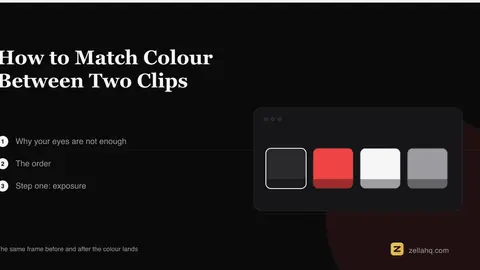
How to Match Colour Between Two Clips
Two shots that were fine separately look wrong next to each other. How to fix it with your eyes, and how to fix it with scopes when your eyes lie.
Zella Blog5 min read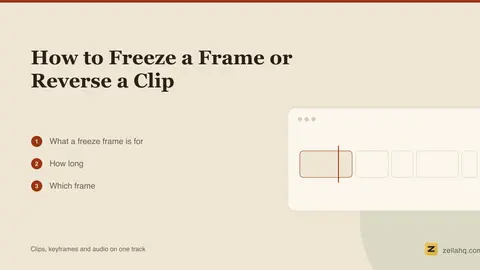
How to Freeze a Frame or Reverse a Clip
Two effects that are trivial to apply and easy to overuse. Where a freeze earns its place, and the audio problem reversing always creates.
Zella Blog5 min read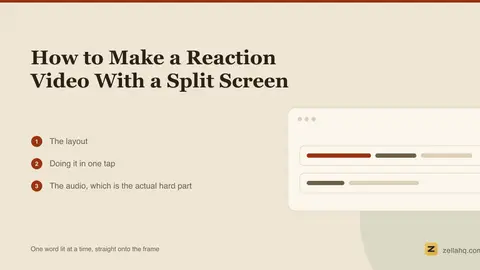
How to Make a Reaction Video With a Split Screen
Two videos, one vertical frame. How to size the panels so both stay readable, how to handle two audio tracks, and where reaction edits usually go wrong.
Zella Blog5 min read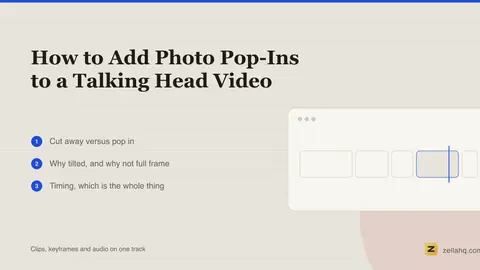
How to Add Photo Pop-Ins to a Talking Head Video
A photo that appears exactly when you name the thing. How the timing works, why tilted cards read better than full-frame images, and how many is too many.
Zella Blog5 min read
How to Recover an Unsaved Video Project
What actually happens to your edit when an app quits unexpectedly, where the recovery data lives, and the one habit that makes the question moot.
Zella Blog5 min read
Video Templates That Actually Change the Edit (Not Just the Look)
Most "templates" are a filter and a font. A real one restructures the video: captions, cuts, zooms and pacing together. What each of the seven does.
Zella Blog6 min read
How Video Editor Autosave Actually Works
It saves your edits, not your video, and that distinction explains almost everything else about it - including why recovery is instant.
Zella Blog5 min read
How Many Sound Effects Is Too Many in a Video?
There is an actual answer, and it is lower than you think. A working density rule, the tune-out effect, and how to tell if you have crossed the line.
Zella Blog5 min read
Does a Camera Move Help or Distract?
Movement is not automatically better. A short test for whether a move is doing work, and the specific cases where holding still is the stronger choice.
Zella Blog5 min read
How to Add the Ken Burns Effect to a Photo in a Video
The slow pan and zoom that makes a still photo work in a video. The two rules that separate it from a photo that just moves around.
Zella Blog5 min read
How to Add a Camera Move to a Static Video
A locked-off shot of a person talking reads as a paused video. A slow push-in fixes it, costs nothing, and is invisible when done at the right speed.
Zella Blog5 min read
How to Add B-Roll to a Talking Head Video
B-roll is not decoration, it is a cut you do not have to justify. Where to put it, how long to hold it, and how to stop it looking like a stock footage reel.
Zella Blog6 min read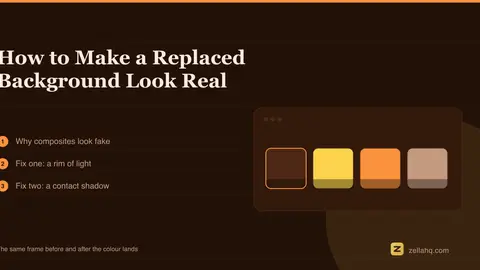
How to Make a Replaced Background Look Real
Cutout edges are only half the problem. The two lighting cues that make a composite read as a person in a room rather than a sticker on a picture.
Zella Blog6 min read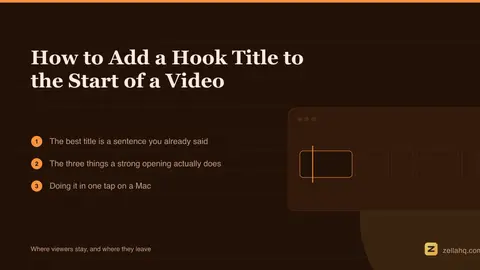
How to Add a Hook Title to the Start of a Video
The first line you say is usually the best title you will ever write. Here is how to get it on screen, and why a still opening frame costs you viewers.
Zella Blog6 min read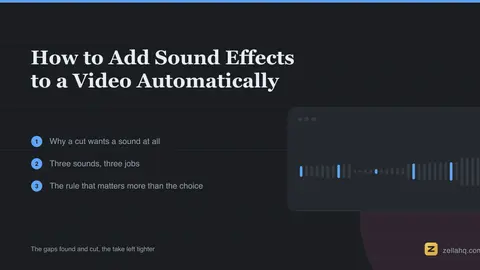
How to Add Sound Effects to a Video Automatically
A whoosh under a cut is the most reliable polish in short form, and the most overdone. Which sound goes under which cut, and why spacing beats choice.
Zella Blog5 min read
Details are compiled from Zella's website and public sources, last verified Oct 5, 2026. Features and pricing change — confirm on the official site before you buy.
Try Zella
Freemium · from $9.99/month
Tags
- AI Video Editor
- On-Device Editing
- Screen Recorder
- Auto-Polish
- Captioning
- Voice Cleaning
Comments
Sign in to join the discussion.